Home Delivery Contact Us Password Reminder Register
Your Basket

To add more than one item just
overtype the quantity below.


Shopping Basket: £0.00 (0 Items)
Total:

Shop by Category
Newsletter Signup
Your Name:

Email Address:

Order by:
Akasa TIM-Clean, Cleaning Fluid for all Thermal Interfaces AK-TC
AK-TC
In Stock
Citrus based solvent for cleaning heatsinks and CPU’s

Volume 125ml/bottle
Product code AK-TC
£4.49 (£3.82 ex VAT)
Arctic Silver ArctiClean 60ml Thermal Material Remover and Surface Cleaner
ACL60
In Stock

Unique 2-Step Process

ArctiClean 1 Thermal Material Remover quickly emulsifies and dissolves the existing thermal grease or pad from the CPU and/or heatsink so that it can easily be removed with a clean cloth or paper towel. A few drops of ArctiClean 2 Thermal Surface Purifier and some gentle wiping then removes the remaining residue and inhibits flash corrosion on copper or aluminum.

ArctiClean 1 Thermal Material Remover

ArctiClean 1 uses a proprietary combination of non-toxic biodegradable solvents to emulsify thermal greases or thermal pads. The citrus and soy based solvents in ArctiClean 1 match or exceed many hazardous and volatile solvents such as fluorinated and chlorinated organic solvents, acetone, MEK (methyl ethyl ketone), mineral spirits, isopropyl alcohol, and toluene.

ArctiClean 2 Thermal Surface Purifier

The cationic surfactants in ArctiClean 2 remove any residue left by the ArctiClean 1 leaving a pristine surface for the application of a new thermal interface material. It also incorporates advanced flash corrosion inhibitors that minimize the corrosion layer on copper and aluminum allowing for more intimate contact between the thermal interface material and the heatsink.

Using ArctiClean 2 With Other Solvents

Most solvents and cleaning products leave residue on the CPU and heatsink that negatively affects the performance of any subsequently applied thermal interface material. ArctiClean 1 Thermal Surface Purifier removes the residue of citrus or petroleum based cleaners and inhibits flash corrosion on a copper or aluminum heatsink.

£3.75 (£3.19 ex VAT)

5-19: £3.70

20+: £3.49

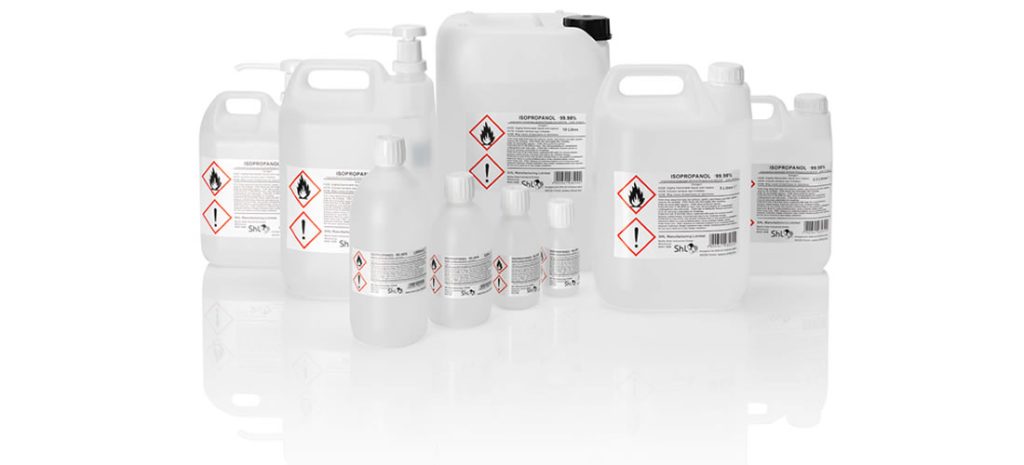
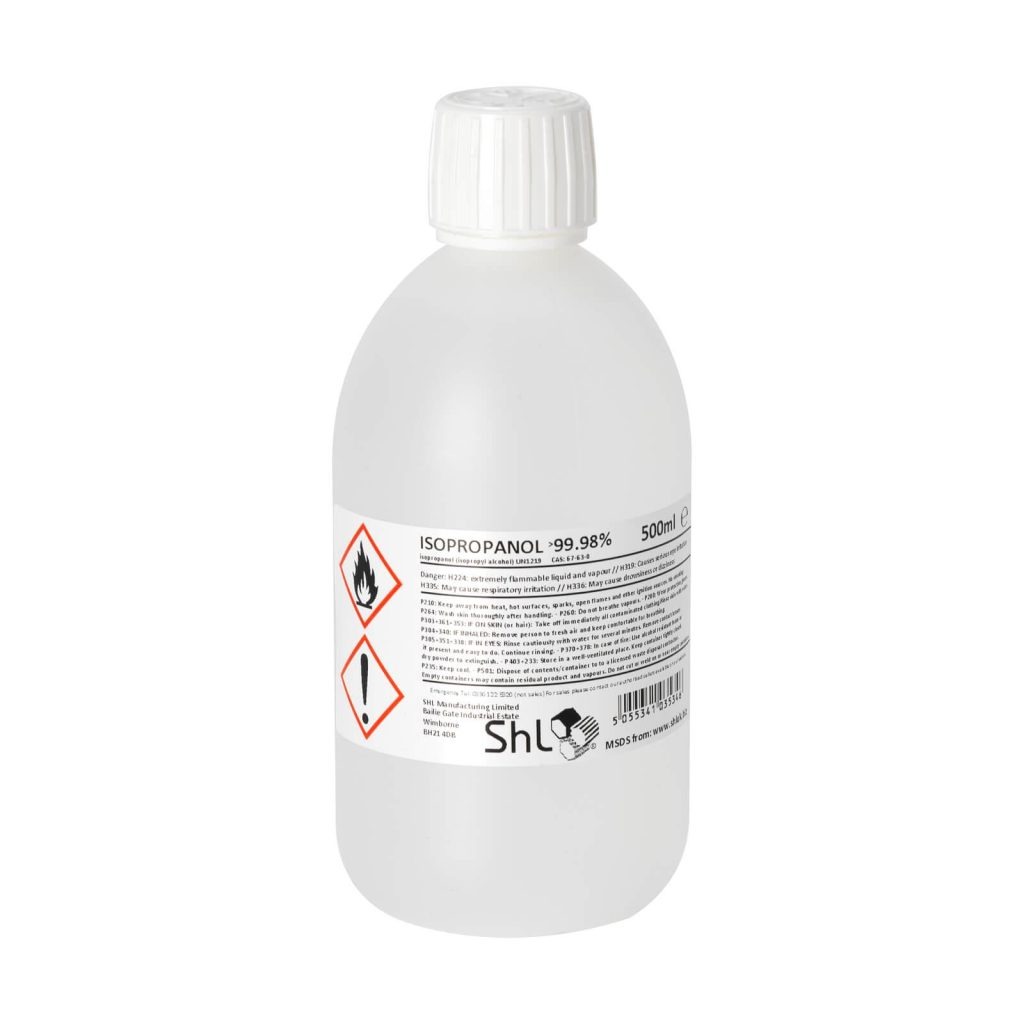
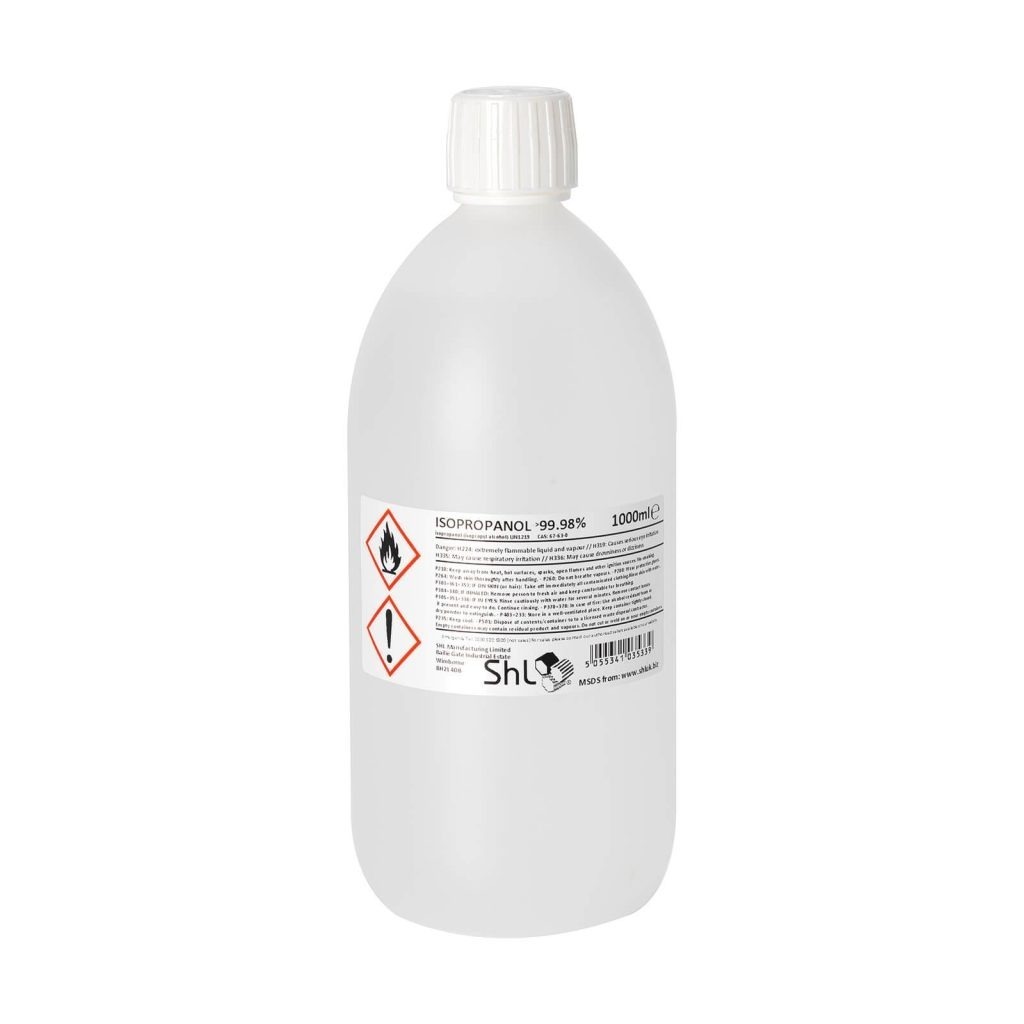
ISOPROPANOL IPA Isopropyl Alcohol 99.9% Pure (1 Litre)
ISO1LIT
In Stock

Isopropanol is also know as Isopropyl Alcohol and IPA is a quickly evaporating Alcohol based chemical that cuts through Thermal Paste and residue allowing you to clean your CPU/GPU die and surrounding areas before applying new thermal paste. Isopropanol works fantastically with Arctic Silver products and allows you to shine the core  for perfect heat transference with the thermal compound of your choice.
Click here for more information about Isopropanol.
Click here for the MSDS of the product. You MUST review this before purchasing the product.

Instructions For Use:

Pour some of the Isopropanol into a container (Egg cup or similar) during the cleaning process you may accidently put your dirty Cloth or cotton bud back into the liquid, ideally you do not want to contaminate a whole bottle which is why you remove a small amount for each cleaning.

  • Remove Heatsink and/or fan
  • Use a Cotton bud (Ear hole poker) to apply a the Isopropanol to the area with the thermal Compound (If you are replacing an old Heatsink, it might be worth practicing cleaning the old heatsink first before attempting to clean the core just so you are happy with the effects the Isopropanol has on the Compound).
  • Use a Shiny Hardware Lint free cloth to clean the dispersed Thermal Material and excess Isopropanol.
  • Reapply the isopropanol with a clean Ear Bud and repeat until all thermal material has been removed.
  • Please take care when cleaning GPU cores as they are mounted on the graphics card generally surrounded by resistors, you must ensure you remove all traces of the Thermal Material.

The above instructions are an example of how to use Isopropanol in conjunction with your components they are not a guarenteed method for utilisation. You must take allnecessary precautions to guard against damaging your hardware, Shiny Hardware Limited are not responsible for any misuse of the above Product. If you are unsure please seek further advise on the web.


£5.99 (£5.10 ex VAT)

2-5: £5.79

6+: £5.49

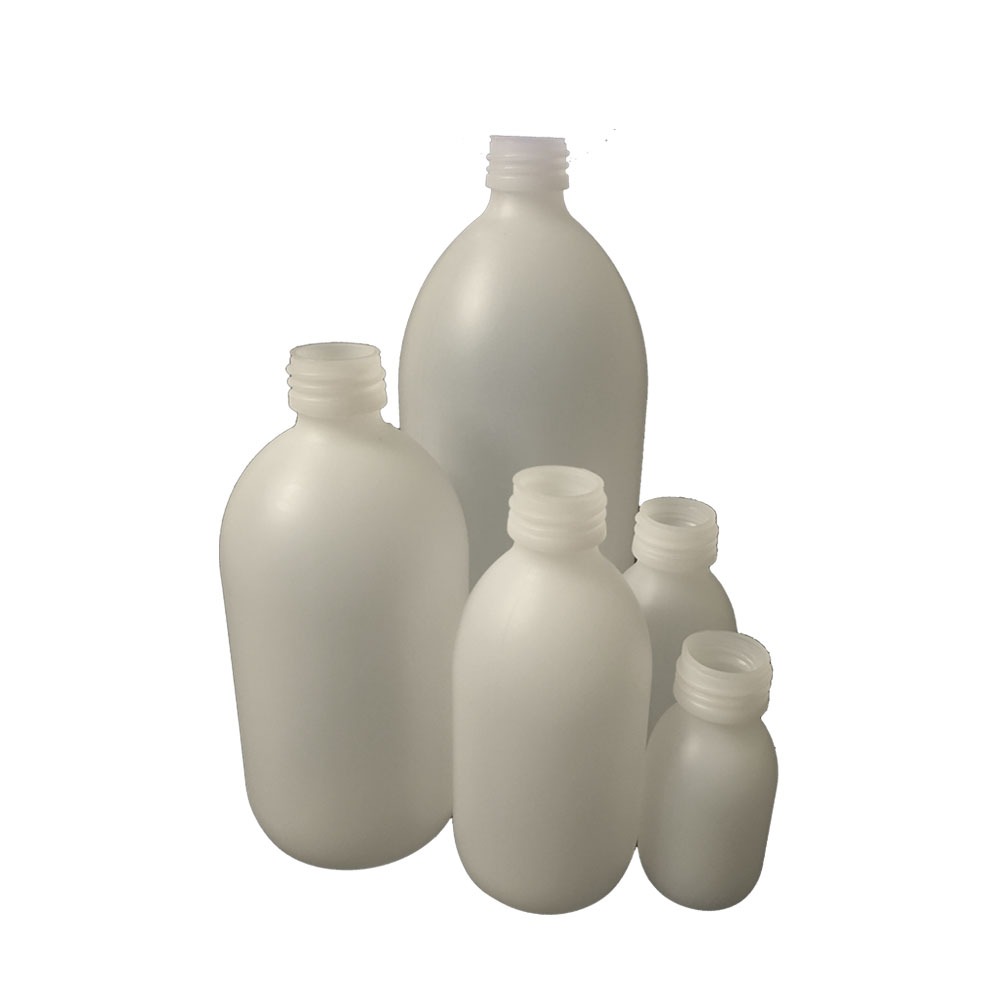
ISOPROPANOL IPA Isopropyl Alcohol 99.9% Pure (125ml)
ISO125
In Stock

Isopropanol is also know as Isopropyl Alcohol and IPA is a quickly evaporating Alcohol based chemical that cuts through Thermal Paste and residue allowing you to clean your CPU/GPU die and surrounding areas before applying new thermal paste. Isopropanol works fantastically with Arctic Silver products and allows you to shine the core  for perfect heat transference with the thermal compound of your choice.
Click here for more information about Isopropanol.
Click here for the MSDS of the product. You MUST review this before purchasing the product.

Instructions For Use:

Pour some of the Isopropanol into a container (Egg cup or similar) during the cleaning process you may accidently put your dirty Cloth or cotton bud back into the liquid, ideally you do not want to contaminate a whole bottle which is why you remove a small amount for each cleaning.

  • Remove Heatsink and/or fan
  • Use a Cotton bud (Ear hole poker) to apply a the Isopropanol to the area with the thermal Compound (If you are replacing an old Heatsink, it might be worth practicing cleaning the old heatsink first before attempting to clean the core just so you are happy with the effects the Isopropanol has on the Compound).
  • Use a Shiny Hardware Lint free cloth to clean the dispersed Thermal Material and excess Isopropanol.
  • Reapply the isopropanol with a clean Ear Bud and repeat until all thermal material has been removed.
  • Please take care when cleaning GPU cores as they are mounted on the graphics card generally surrounded by resistors, you must ensure you remove all traces of the Thermal Material.

The above instructions are an example of how to use Isopropanol in conjunction with your components they are not a guarenteed method for utilisation. You must take allnecessary precautions to guard against damaging your hardware, Shiny Hardware Limited are not responsible for any misuse of the above Product. If you are unsure please seek further advise on the web.


£1.39 (£1.18 ex VAT)

2-5: £1.32

6-20: £1.25

25-99: £1.18

100+: £1.11

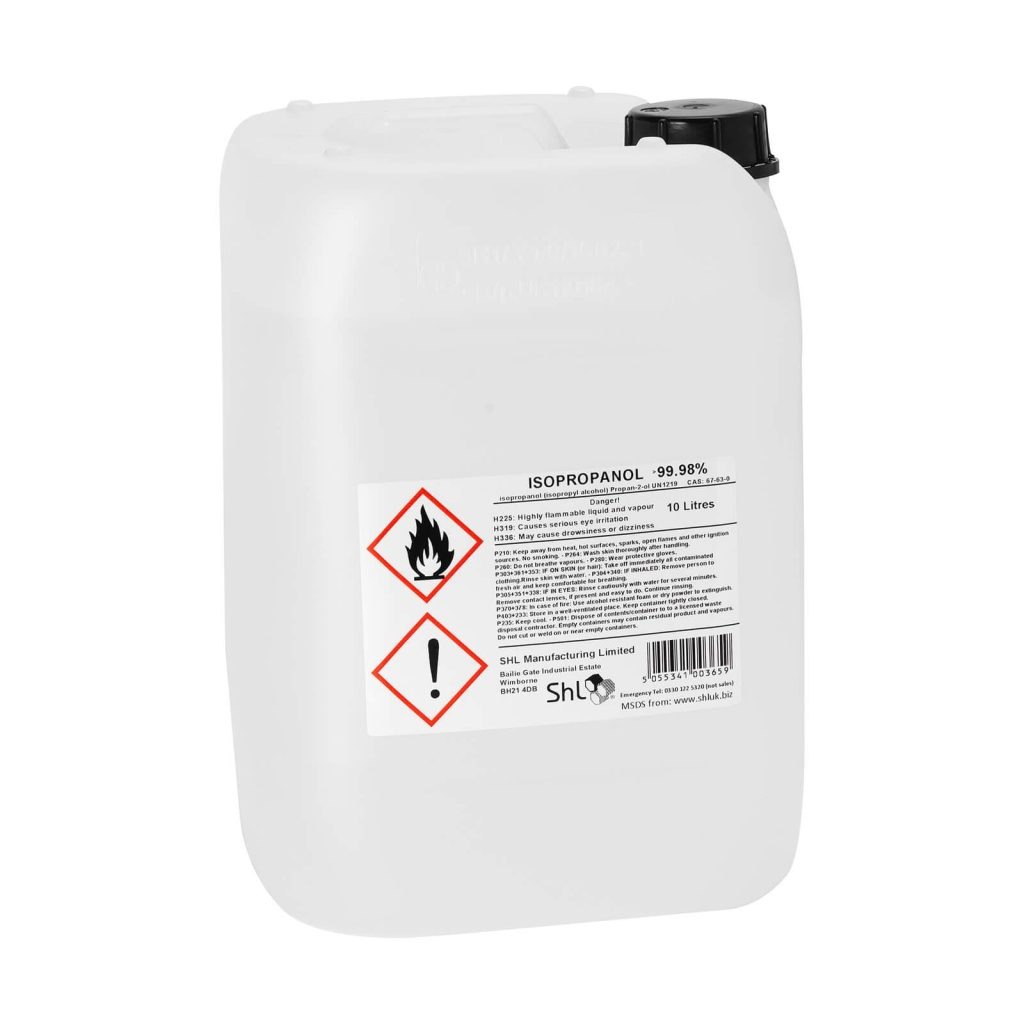
ISOPROPANOL IPA Isopropyl Alcohol 99.9% Pure (20 Litre)
ISO20lit
In Stock

Shipping from £7.99

Isopropanol is also know as Isopropyl Alcohol and IPA (among others)has a multitude of uses from Component cleaning to fuel additive. If you are looking at purchasing 20 litres of the product its fair to say you probably already know what it is used for, but a fuller explaination of the chemical is available on wikipedia
click here

Click here for the MSDS for this product. You must review this document before purchasing.


£45.00 (£38.30 ex VAT)

2-4: £42.00

5-9: £40.00

10+: £37.00

ISOPROPANOL IPA Isopropyl Alcohol 99.9% Pure (250ml)
ISO250
In Stock

Isopropanol is also know as Isopropyl Alcohol and IPA is a quickly evaporating Alcohol based chemical that cuts through Thermal Paste and residue allowing you to clean your CPU/GPU die and surrounding areas before applying new thermal paste. Isopropanol works fantastically with Arctic Silver products and allows you to shine the core  for perfect heat transference with the thermal compound of your choice.
Click here for more information about Isopropanol.
Click here for the MSDS of the product. You MUST review this before purchasing the product.

Instructions For Use:

Pour some of the Isopropanol into a container (Egg cup or similar) during the cleaning process you may accidently put your dirty Cloth or cotton bud back into the liquid, ideally you do not want to contaminate a whole bottle which is why you remove a small amount for each cleaning.

  • Remove Heatsink and/or fan
  • Use a Cotton bud (Ear hole poker) to apply a the Isopropanol to the area with the thermal Compound (If you are replacing an old Heatsink, it might be worth practicing cleaning the old heatsink first before attempting to clean the core just so you are happy with the effects the Isopropanol has on the Compound).
  • Use a Shiny Hardware Lint free cloth to clean the dispersed Thermal Material and excess Isopropanol.
  • Reapply the isopropanol with a clean Ear Bud and repeat until all thermal material has been removed.
  • Please take care when cleaning GPU cores as they are mounted on the graphics card generally surrounded by resistors, you must ensure you remove all traces of the Thermal Material.

The above instructions are an example of how to use Isopropanol in conjunction with your components they are not a guarenteed method for utilisation. You must take allnecessary precautions to guard against damaging your hardware, Shiny Hardware Limited are not responsible for any misuse of the above Product. If you are unsure please seek further advise on the web.


£2.19 (£1.86 ex VAT)

2-5: £2.09

6+: £1.99

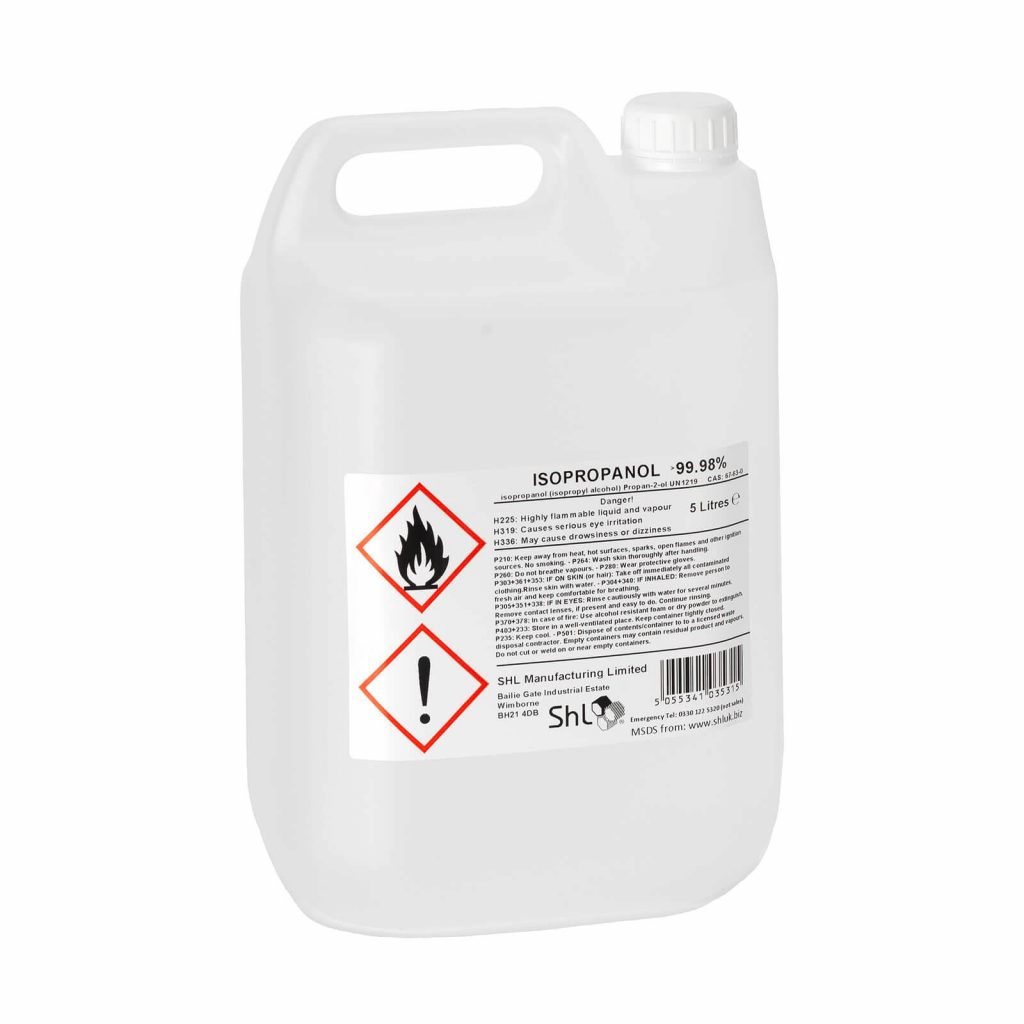
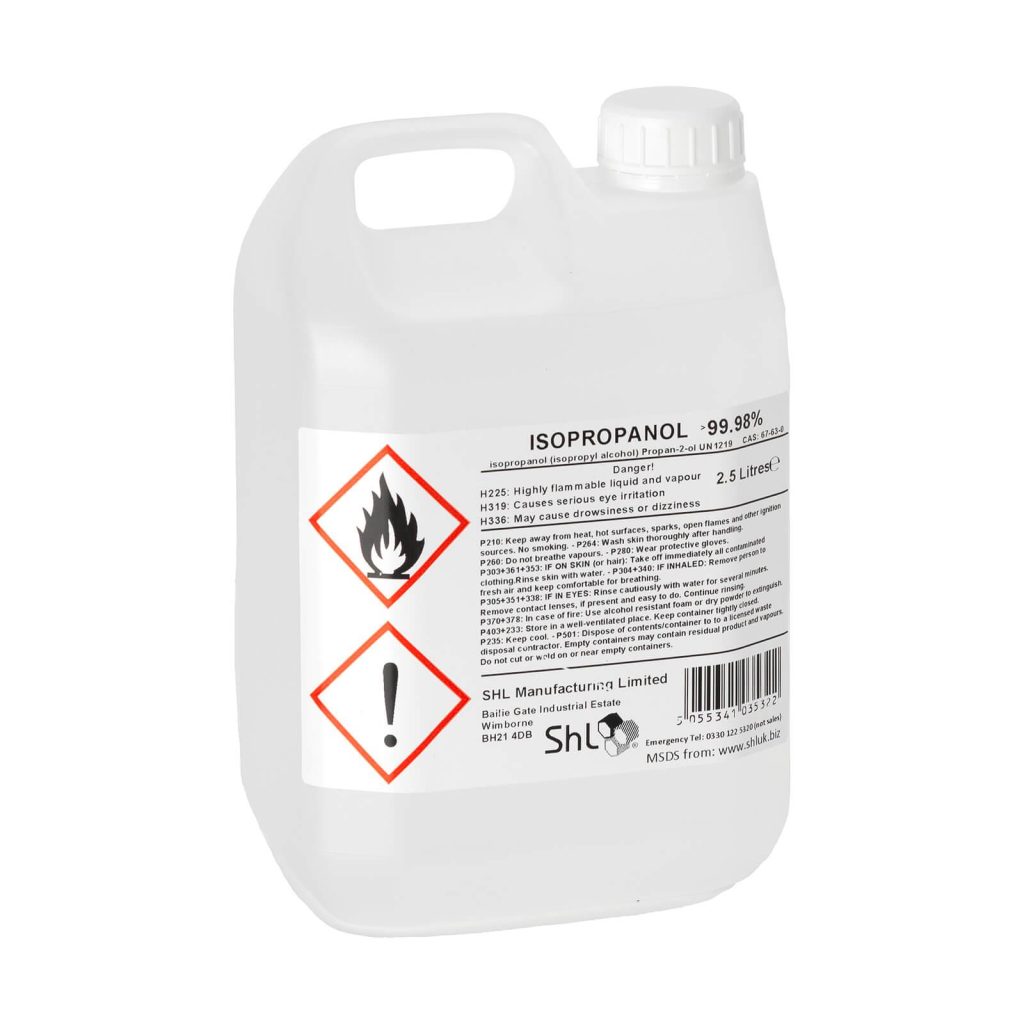
ISOPROPANOL IPA Isopropyl Alcohol 99.9% Pure (5 Litre)
ISO5LIT
In Stock

Isopropanol is also know as Isopropyl Alcohol and IPA is a quickly evaporating Alcohol based chemical that cuts through Thermal Paste and residue allowing you to clean your CPU/GPU die and surrounding areas before applying new thermal paste. Isopropanol works fantastically with Arctic Silver products and allows you to shine the core  for perfect heat transference with the thermal compound of your choice.
Click here for more information about Isopropanol.
Click here for the MSDS of the product. You MUST review this before purchasing the product.

Instructions For Use:

Pour some of the Isopropanol into a container (Egg cup or similar) during the cleaning process you may accidently put your dirty Cloth or cotton bud back into the liquid, ideally you do not want to contaminate a whole bottle which is why you remove a small amount for each cleaning.

  • Remove Heatsink and/or fan
  • Use a Cotton bud (Ear hole poker) to apply a the Isopropanol to the area with the thermal Compound (If you are replacing an old Heatsink, it might be worth practicing cleaning the old heatsink first before attempting to clean the core just so you are happy with the effects the Isopropanol has on the Compound).
  • Use a Shiny Hardware Lint free cloth to clean the dispersed Thermal Material and excess Isopropanol.
  • Reapply the isopropanol with a clean Ear Bud and repeat until all thermal material has been removed.
  • Please take care when cleaning GPU cores as they are mounted on the graphics card generally surrounded by resistors, you must ensure you remove all traces of the Thermal Material.

The above instructions are an example of how to use Isopropanol in conjunction with your components they are not a guarenteed method for utilisation. You must take allnecessary precautions to guard against damaging your hardware, Shiny Hardware Limited are not responsible for any misuse of the above Product. If you are unsure please seek further advise on the web.


£15.49 (£13.18 ex VAT)

2-5: £14.99

6+: £12.99

ISOPROPANOL IPA Isopropyl Alcohol 99.9% Pure (500ml)
ISO500
In Stock

Isopropanol is also know as Isopropyl Alcohol and IPA is a quickly evaporating Alcohol based chemical that cuts through Thermal Paste and residue allowing you to clean your CPU/GPU die and surrounding areas before applying new thermal paste. Isopropanol works fantastically with Arctic Silver products and allows you to shine the core  for perfect heat transference with the thermal compound of your choice.
Click here for more information about Isopropanol.
Click here for the MSDS of the product. You MUST review this before purchasing the product.

Instructions For Use:

Pour some of the Isopropanol into a container (Egg cup or similar) during the cleaning process you may accidently put your dirty Cloth or cotton bud back into the liquid, ideally you do not want to contaminate a whole bottle which is why you remove a small amount for each cleaning.

  • Remove Heatsink and/or fan
  • Use a Cotton bud (Ear hole poker) to apply a the Isopropanol to the area with the thermal Compound (If you are replacing an old Heatsink, it might be worth practicing cleaning the old heatsink first before attempting to clean the core just so you are happy with the effects the Isopropanol has on the Compound).
  • Use a Shiny Hardware Lint free cloth to clean the dispersed Thermal Material and excess Isopropanol.
  • Reapply the isopropanol with a clean Ear Bud and repeat until all thermal material has been removed.
  • Please take care when cleaning GPU cores as they are mounted on the graphics card generally surrounded by resistors, you must ensure you remove all traces of the Thermal Material.

The above instructions are an example of how to use Isopropanol in conjunction with your components they are not a guarenteed method for utilisation. You must take allnecessary precautions to guard against damaging your hardware, Shiny Hardware Limited are not responsible for any misuse of the above Product. If you are unsure please seek further advise on the web.


£3.19 (£2.71 ex VAT)

2-5: £3.05

6+: £2.99